
Exporting a React Component
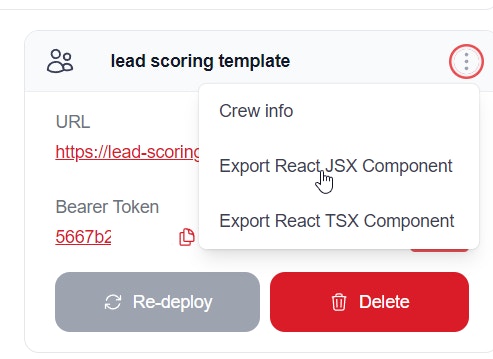
Setting Up Your React Environment
To run this React component locally, you’ll need to set up a React development environment and integrate this component into a React project.Install Node.js
- Download and install Node.js from the official website: https://nodejs.org/
- Choose the LTS (Long Term Support) version for stability.
Create a new React project
- Open Command Prompt or PowerShell
- Navigate to the directory where you want to create your project
-
Run the following command to create a new React project:
-
Change into the project directory:
Create the CrewLead component
- Move the downloaded file
CrewLead.jsxinto thesrcfolder of your project,
Modify your App.js to use the CrewLead component
- Open
src/App.js - Replace its contents with something like this:
- Replace
YOUR_API_BASE_URLandYOUR_BEARER_TOKENwith the actual values for your API.
Start the development server
-
In your project directory, run:
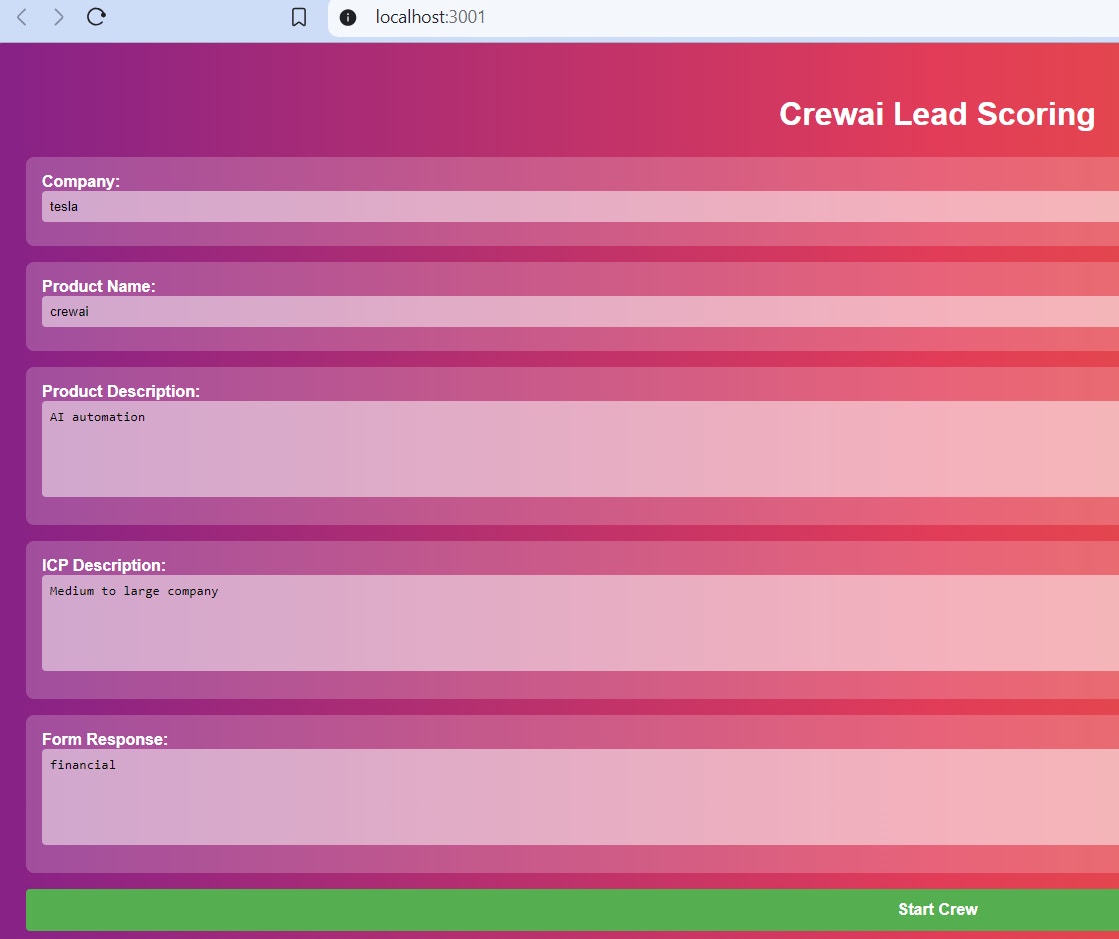
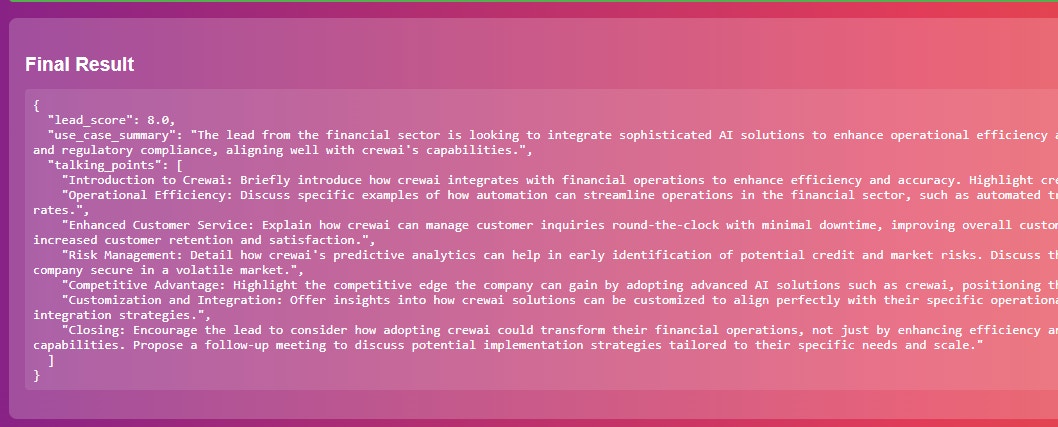
- This will start the development server, and your default web browser should open automatically to http://localhost:3000, where you’ll see your React app running.
Customization
You can then customise theCrewLead.jsx to add color, title etc
Next Steps
- Customize the component styling to match your application’s design
- Add additional props for configuration
- Integrate with your application’s state management
- Add error handling and loading states